A formation builder on a real tactics board
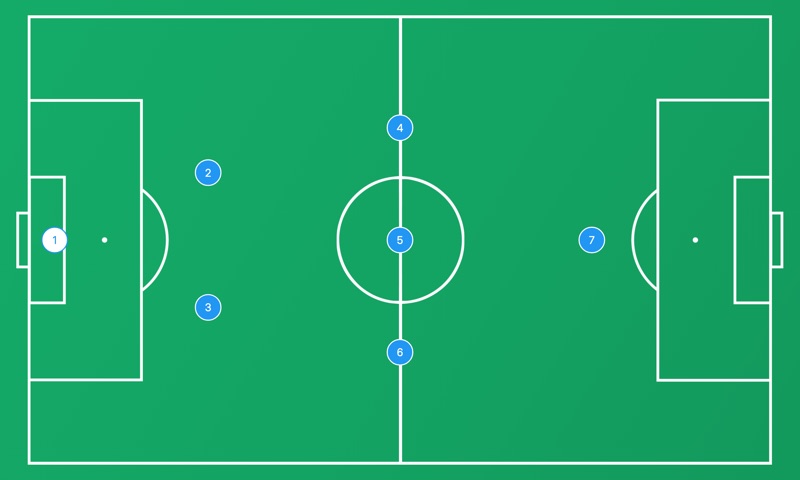
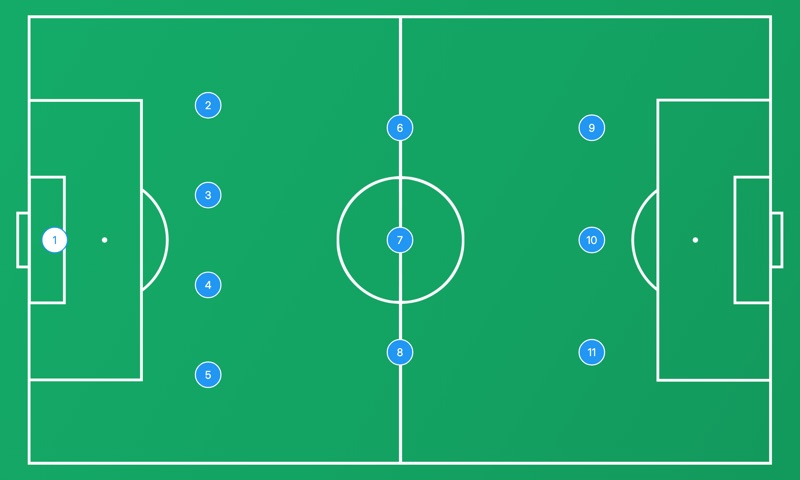
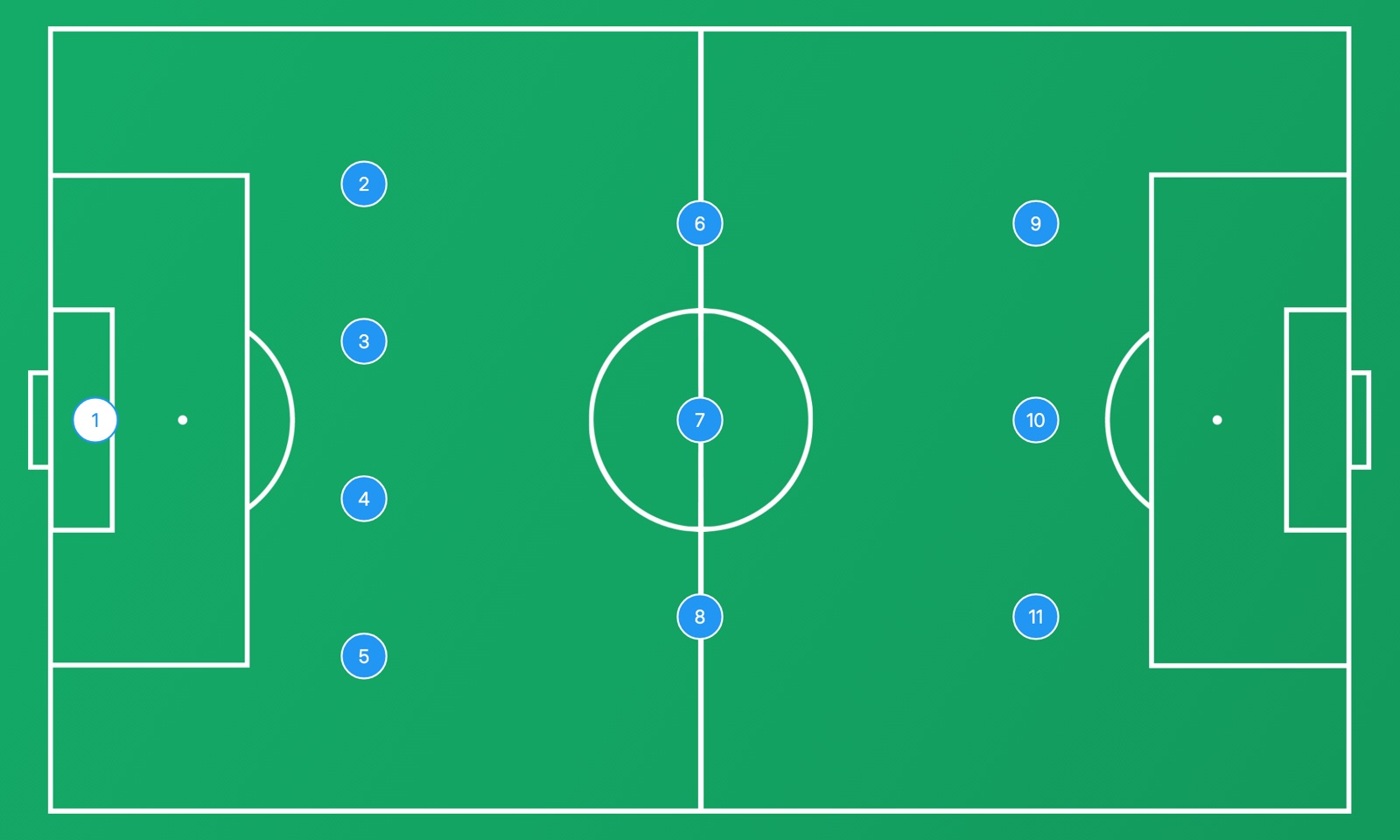
Most lineup makers stop at a picture: eleven dots and a list of names. This one is a full tactics board, the same one coaches use on their phone, tablet and computer. The formation you pick is placed on the pitch with the roles of every position, and from there you can do everything a coach does on a whiteboard: move players, draw passes and runs, add the opponent and animate a play frame by frame.
That matters because a lineup is never only a shape. Two 4-3-3s can look nothing alike: one with a holding midfielder and full-backs who stay home, another with inverted wingers and a striker who drops short. Here you start from the textbook shape and change it until it looks like your team.
Formations for every format
The board knows the formations of every format, from the full 11v11 game to the small-sided games of youth soccer:
- 11v11: 4-3-3, 4-4-2, 4-2-3-1, 3-5-2, 3-4-3, 4-1-4-1, 4-5-1, the 4-4-2 diamond and more.
- 9v9: 3-2-3, 3-3-2, 3-4-1, 4-3-1, 2-3-2-1 and the other shapes of U11 and U12 soccer.
- 8v8 and 7v7: 2-3-1, 3-2-1, 2-1-2-1, 3-3-1, 2-3-2 for the small-sided games of younger players.
- 5v5 and futsal: the diamond 1-2-1, the box 2-2, 2-1-1, on a futsal court.
Pick the number of players first, then the formation: the board puts the goalkeeper in goal and the outfield players on their lines, with the right number of players for that format.
From the builder to your team
When the lineup is ready, Open full board takes it to the complete board in a new tab, exactly as you left it. There you can save it, download it as an image to send to the team chat, present it full screen on the TV in the dressing room or keep working on it: add the opponent, draw how you want to build up from the back, turn it into an animation.
The free version keeps up to 3 boards, 2 formations of your own and 2 squads with names and numbers. Premium removes the limits and syncs everything between the web and the app on your phone and tablet.
Tips for building a lineup
- Start from your players, not from the formation. If you have two quick wingers, a 4-3-3 or a 3-4-3 uses them. If your best players are central midfielders, a 4-4-2 diamond or a 4-2-3-1 gives them the ball.
- Check the width. A shape with nobody wide on one side leaves the full-back alone against two opponents. Look at both flanks before you settle.
- Think about the shape without the ball. Most formations change when the team defends: a 4-3-3 often becomes a 4-1-4-1, a 3-5-2 a 5-3-2. Move the players to the defensive shape too and see if the gaps close.
- In youth soccer, keep it simple. In 7v7 and 9v9 young players learn more from clear lines and lots of touches than from complex roles. A 2-3-1 or a 3-2-3 is enough.